Image Reveal Mask
An image that a top-lit curtain sweeps off as it scrolls into view, with an accent light riding the reveal edge.
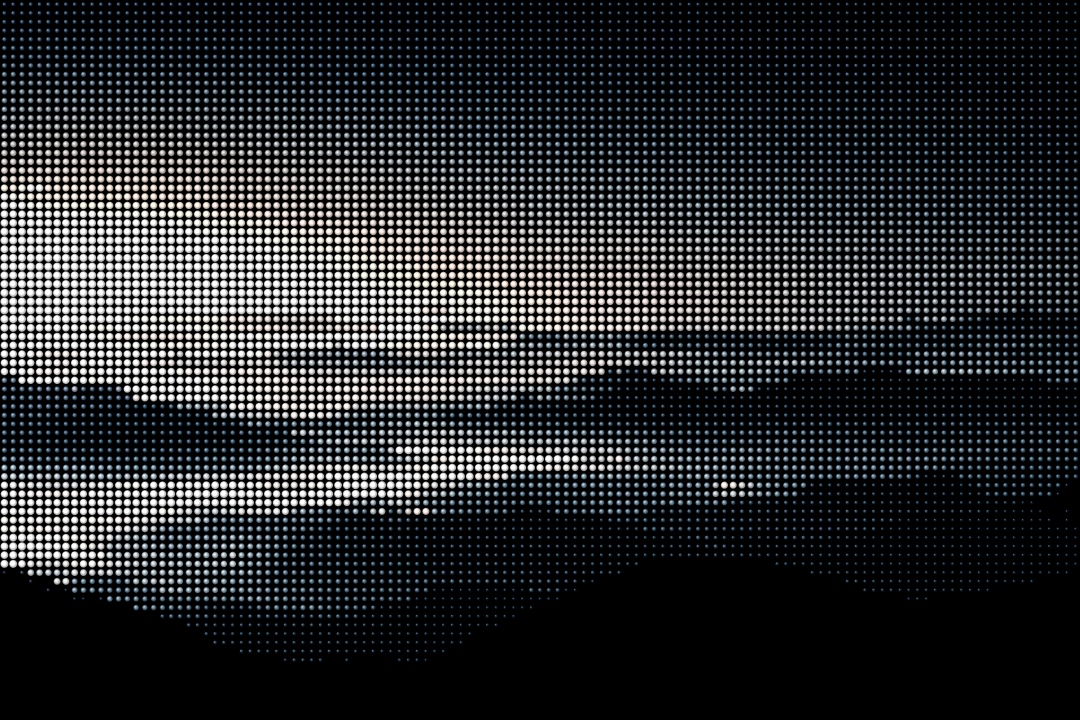
As the image scrolls into view a top-lit curtain slides away, an accent light rides the reveal edge, and the picture eases from a slight over-scale to rest. It fires once and respects reduced motion. Built with Motion.
Installation
Complete the shared Setup first, then add Motion.
bun add motionCopy the component into components/ui/image-reveal-mask.tsx.
'use client';import * as React from 'react';import { animate, motion, useInView, useMotionTemplate, useMotionValue, useReducedMotion, useTransform,} from 'motion/react';import { cn } from '@/lib/cn';const EASE_OUT = [0.23, 1, 0.32, 1] as const;type Direction = 'up' | 'down' | 'left' | 'right';const GRAD_DIR: Record<Direction, string> = { up: 'to top', down: 'to bottom', left: 'to left', right: 'to right',};export type ImageRevealMaskProps = { src: string; alt: string; direction?: Direction; duration?: number; accent?: string; ratio?: string; children?: React.ReactNode; className?: string;};export function ImageRevealMask({ src, alt, direction = 'up', duration = 1.1, accent = '#f0883e', ratio = '16 / 10', children, className,}: ImageRevealMaskProps) { const reduce = useReducedMotion(); const ref = React.useRef<HTMLDivElement>(null); const inView = useInView(ref, { once: true, margin: '-12% 0px' }); const p = useMotionValue(reduce ? 1 : 0); React.useEffect(() => { if (!inView) return; if (reduce) { p.set(1); return; } const controls = animate(p, 1, { duration, ease: EASE_OUT }); return () => controls.stop(); }, [inView, reduce, duration, p]); const FEATHER = 26; const edge = useTransform(p, (v) => v * (100 + FEATHER) - FEATHER); const edge2 = useTransform(edge, (v) => v + FEATHER); const mask = useMotionTemplate`linear-gradient(${GRAD_DIR[direction]}, #000 ${edge}%, transparent ${edge2}%)`; const blur = useTransform(p, (v) => (1 - v) * 9); const bright = useTransform(p, (v) => 0.7 + v * 0.3); const filter = useMotionTemplate`blur(${blur}px) brightness(${bright})`; const scale = useTransform(p, (v) => 1 + (1 - v) * 0.05); const vars = { aspectRatio: ratio, '--reveal-accent': accent, } as React.CSSProperties; return ( <div ref={ref} style={vars} tabIndex={0} className={cn( 'group relative w-full overflow-hidden rounded-[14px]', 'bg-white dark:bg-[#1e1e1b]', 'shadow-[0_0_0_1px_rgba(27,27,25,0.05),0_1px_2px_0_rgba(27,27,25,0.05)]', 'dark:shadow-[0_0_0_1px_rgba(255,255,255,0.05),inset_0_1px_0_0_rgba(255,255,255,0.05)]', 'focus-visible:outline-none focus-visible:outline focus-visible:outline-2 focus-visible:outline-offset-2 focus-visible:[outline-color:var(--reveal-accent)]', className, )} > <motion.img src={src} alt={alt} draggable={false} style={{ scale, filter, WebkitMaskImage: mask, maskImage: mask, }} className="absolute inset-0 size-full select-none object-cover [-webkit-mask-repeat:no-repeat] [mask-repeat:no-repeat]" /> <span aria-hidden className="pointer-events-none absolute inset-x-0 top-0 h-1/3 bg-gradient-to-b from-white/10 to-transparent" /> {children && ( <motion.div initial={false} animate={{ opacity: inView ? 1 : 0, transform: inView || reduce ? 'translateY(0px)' : 'translateY(8px)', }} transition={{ duration: 0.4, ease: EASE_OUT, delay: reduce || !inView ? 0 : duration * 0.55, }} className="absolute inset-x-0 bottom-0 z-10 p-4" > {children} </motion.div> )} </div> );}Usage
import { ImageRevealMask } from '@/components/ui/image-reveal-mask';

export default function Example() {
  return (
    <ImageRevealMask
      src="/media/reveal-terrain.jpg"
      alt="Layered mountain ridges at dawn"
    />
  );
}
Examples
Set direction to change which way the curtain travels. Children fade up
once the image has settled.
Field notes
Above the fog line
Props
| Prop | Type | Default | Description |
|---|---|---|---|
src | string | - | Image source. |
alt | string | - | Alt text. |
direction | 'up' | 'down' | 'left' | 'right' | 'up' | Which way the curtain sweeps off the image. |
duration | number | 1.1 | Reveal duration in seconds. |
accent | string | "#f0883e" | Color of the travelling light edge and focus ring. |
ratio | string | "16 / 10" | Aspect ratio of the frame. |
children | ReactNode | - | Optional caption; fades up after the reveal. |
className | string | - | Forwarded to the frame. |