Frost Pane
Content behind frosted glass that the user wipes clear with a circular opening that chases the pointer, or defrosts with a click.
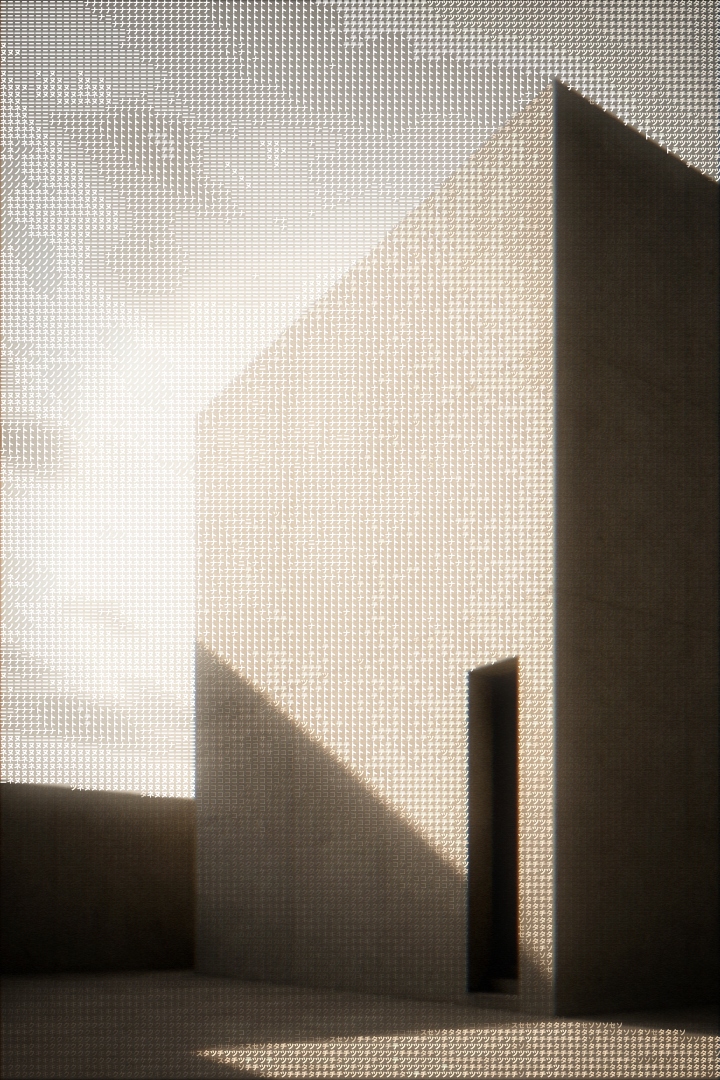
Facade
Monolith, soft shadow. Wipe the glass, or tap to defrost.
A pane of frosted glass laid over any content. Move across it and a soft circular opening wipes the frost away locally, chasing the pointer with springy lag. Click, or press Enter or Space, and the whole pane defrosts in one quick dissolve; toggling back refrosts slower, because leaving is deliberate. The pane is a real focusable surface, so keyboard users get the full defrost without a pointer. Built with Motion.
Installation
Complete the shared Setup first, then add Motion.
bun add motionCopy the component into components/ui/frost-pane.tsx.
'use client';import * as React from 'react';import { AnimatePresence, motion, useMotionTemplate, useReducedMotion, useSpring, useTransform,} from 'motion/react';import { cn } from '@/lib/cn';const EASE_OUT = [0.23, 1, 0.32, 1] as const;const FOCUS = 'focus-visible:outline-none focus-visible:outline focus-visible:outline-2 focus-visible:-outline-offset-2 focus-visible:[outline-color:var(--frost-accent)]';const CHASE = { stiffness: 180, damping: 22 } as const;const OPEN = { stiffness: 120, damping: 20 } as const;const FALLOFF = 60;export type FrostPaneProps = { children: React.ReactNode; accent?: string; radius?: number; holeRadius?: number; defaultPinned?: boolean; className?: string;};export function FrostPane({ children, accent = '#f0883e', radius = 14, holeRadius = 140, defaultPinned = false, className,}: FrostPaneProps) { const reduce = useReducedMotion(); const ref = React.useRef<HTMLDivElement>(null); const [pinned, setPinned] = React.useState(defaultPinned); const [interacted, setInteracted] = React.useState(defaultPinned); const x = useSpring(0, CHASE); const y = useSpring(0, CHASE); const holeP = useSpring(0, OPEN); const inner = useTransform(holeP, (p) => Math.max((holeRadius - FALLOFF) * p, 0), ); const outer = useTransform(holeP, (p) => Math.max(holeRadius * p, 0.5)); const mask = useMotionTemplate`radial-gradient(circle at ${x}px ${y}px, transparent ${inner}px, black ${outer}px)`; const toggle = () => { setPinned((p) => !p); setInteracted(true); }; const onMove = (e: React.PointerEvent<HTMLDivElement>) => { if (reduce || e.pointerType === 'touch') return; const el = ref.current; if (!el) return; const r = el.getBoundingClientRect(); x.set(e.clientX - r.left); y.set(e.clientY - r.top); holeP.set(1); }; const onLeave = () => { holeP.set(0); }; const onKeyDown = (e: React.KeyboardEvent<HTMLDivElement>) => { if (e.key === 'Enter' || e.key === ' ') { e.preventDefault(); toggle(); } }; const vars = { '--frost-accent': accent } as React.CSSProperties; return ( <motion.div ref={ref} role="button" tabIndex={0} aria-pressed={pinned} aria-label={pinned ? 'Refrost the pane' : 'Defrost the pane'} onClick={toggle} onKeyDown={onKeyDown} onPointerMove={onMove} onPointerLeave={onLeave} whileTap={reduce ? undefined : { scale: 0.99 }} style={{ ...vars, borderRadius: radius }} className={cn( 'relative cursor-pointer touch-manipulation overflow-hidden select-none', FOCUS, className, )} > {children} <motion.div aria-hidden initial={false} animate={{ opacity: pinned ? 0 : 1, backdropFilter: pinned ? 'blur(0px) saturate(1)' : 'blur(10px) saturate(0.9)', }} transition={{ duration: pinned ? 0.3 : 0.5, ease: EASE_OUT }} style={{ borderRadius: radius, ...(reduce ? undefined : { maskImage: mask, WebkitMaskImage: mask, }), }} className={cn( 'pointer-events-none absolute inset-0', 'bg-white/40 dark:bg-[#101012]/45', )} /> <AnimatePresence> {!interacted && ( <motion.span aria-hidden initial={false} exit={{ opacity: 0, transition: { duration: 0.12, ease: EASE_OUT } }} className={cn( 'pointer-events-none absolute bottom-3 left-1/2 flex -translate-x-1/2 items-center gap-1.5 rounded-lg border border-black/[0.08] px-2 py-1 text-[12px] font-medium tracking-[-0.01em]', 'bg-white text-neutral-900 dark:border-white/[0.08] dark:bg-[#232320] dark:text-white', 'shadow-[0_2px_6px_-2px_rgba(27,27,25,0.16)] dark:shadow-[0_4px_10px_-4px_rgba(0,0,0,0.5)]', )} > <span className="size-1.5 rounded-full" style={{ backgroundColor: 'var(--frost-accent)' }} /> tap to defrost </motion.span> )} </AnimatePresence> </motion.div> );}Usage
Wrap the content to hide. The pane clips to radius, overlays the frost, and
handles pointer, click, and keyboard itself.
import { FrostPane } from '@/components/ui/frost-pane';

export default function Example() {
  return (
    <FrostPane radius={14}>
      <img src="/media/gallery-03.jpg" alt="Facade" />
    </FrostPane>
  );
}
Examples
holeRadius sizes the wipe; accent colors only the focus ring and the hint
chip's dot, never the glass.
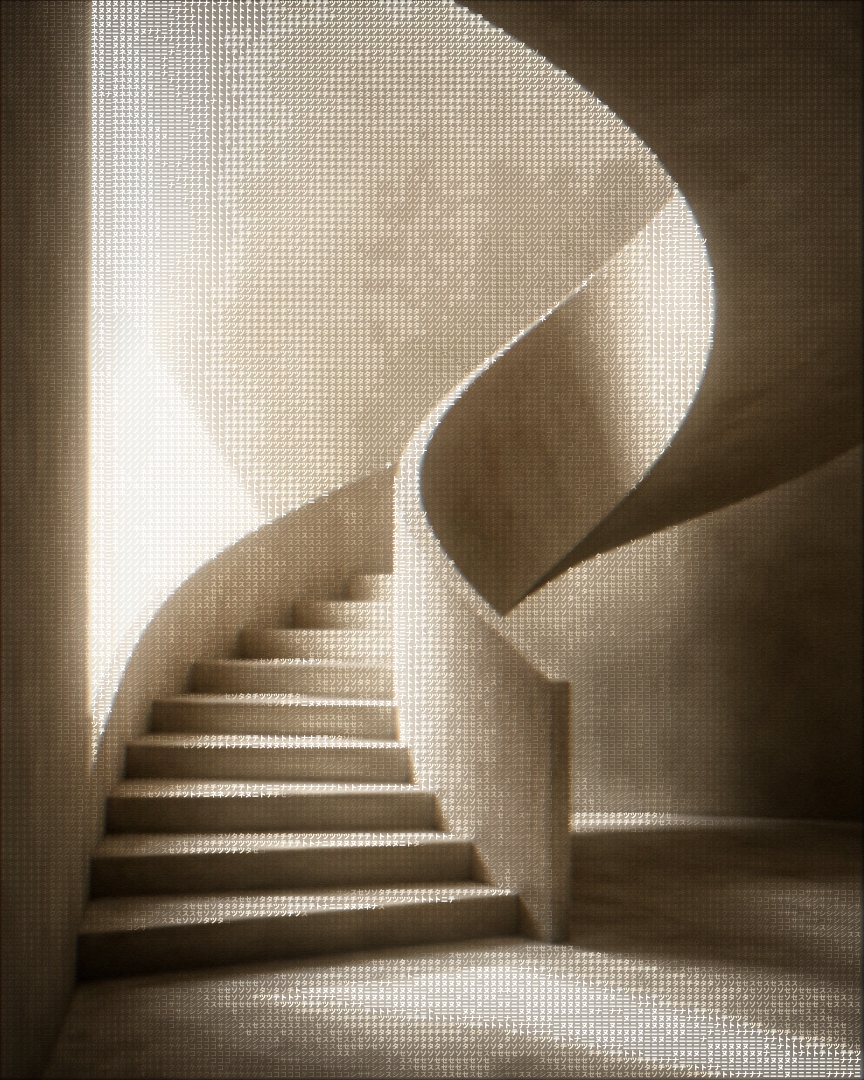
Ascent
Concrete stair, 2024. A tighter opening, cyan focus ring.
Props
| Prop | Type | Default | Description |
|---|---|---|---|
children | React.ReactNode | - | The content behind the glass. |
accent | string | "#f0883e" | Focus ring and the hint chip's dot. |
radius | number | 14 | Border radius of the pane and its clip. |
holeRadius | number | 140 | Radius of the clear opening that follows the pointer. |
defaultPinned | boolean | false | Start fully defrosted. |
className | string | - | Forwarded to the root surface. |